

Download Your Granny – desktop pet, interactive pet, mouse interaction, fun desktop game, virtual pet, playful desktop companion, Windows app
Overview
The mobile app Your Granny presents a unique and whimsical desktop experience designed to bring joy and interactivity to everyday computer use. While marketed as a mobile app, it is specifically built for the Windows platform, offering users a playful virtual companion that responds dynamically to mouse movements and clicks. The application functions as a desktop pet, transforming static workspaces into lively, animated environments.
It is ideal for individuals seeking light entertainment during work breaks, students needing a mental reset, or anyone who enjoys personalized digital companionship. The app solves the common problem of digital monotony by injecting humor and responsiveness into routine screen time. With its emphasis on interaction and customization, Your Granny enhances user engagement without requiring significant system resources or complex setup.
Although the developer, YourGranny, did not provide additional background on their development philosophy or prior projects, the app’s design suggests a focus on user delight and simplicity. Real-world use cases include using the app during study sessions, office breaks, or as a fun way to connect with friends through shared digital experiences. In the broader app ecosystem, Your Granny fills a niche for lightweight, emotionally engaging tools that prioritize fun over functionality, standing out in a market dominated by productivity and utility apps.
Key Features & Functionality
- Interactive Mouse Reactions: The app responds in real time to mouse movements and clicks. Faster movements trigger lively animations, while clicks energize the pet’s behavior, creating a responsive and immersive experience.
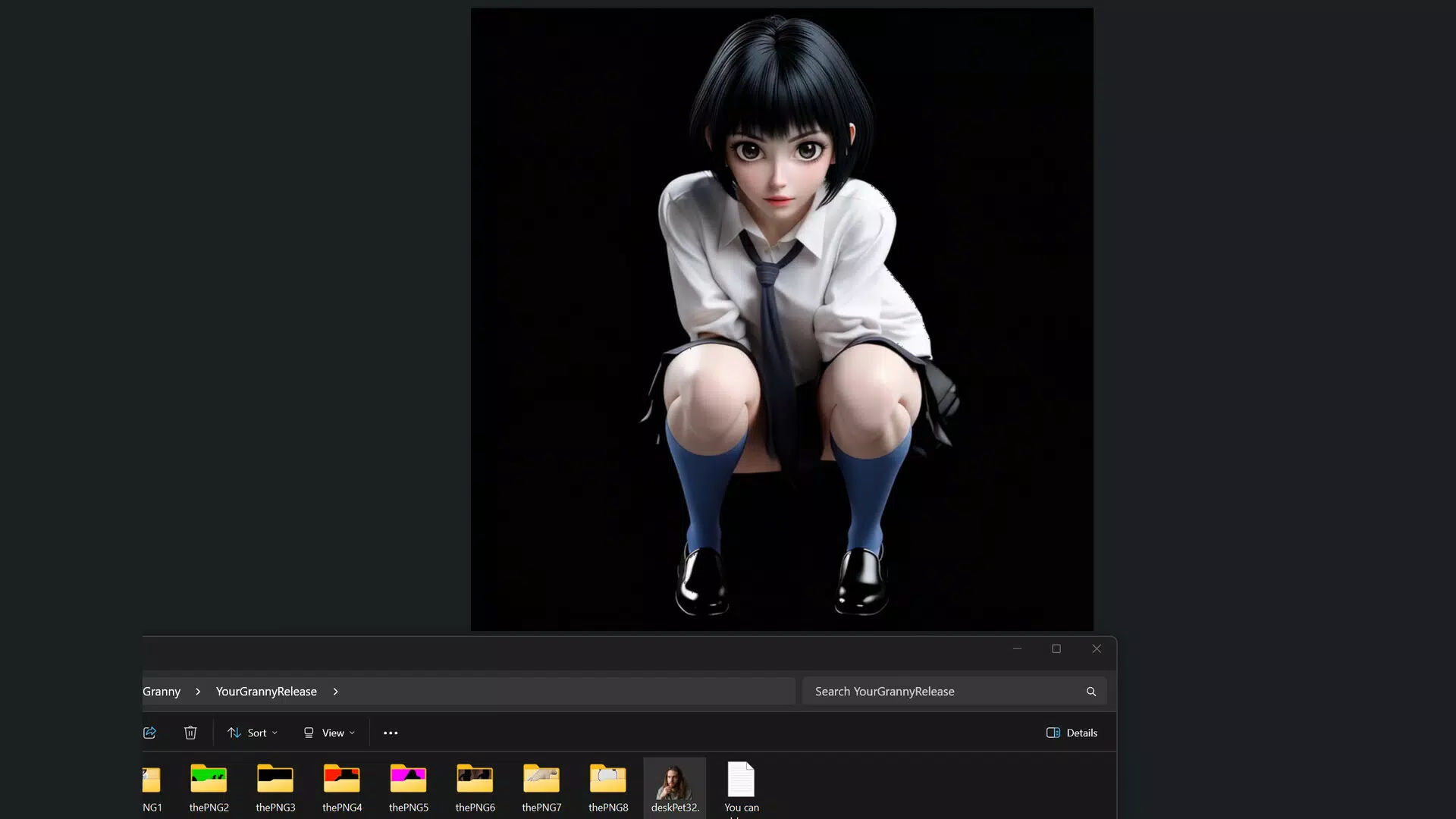
- Adorable Pet Models: Users can choose from nine pre-made pet models, each with distinct visual styles and animation sequences, allowing for personalization based on individual preferences.
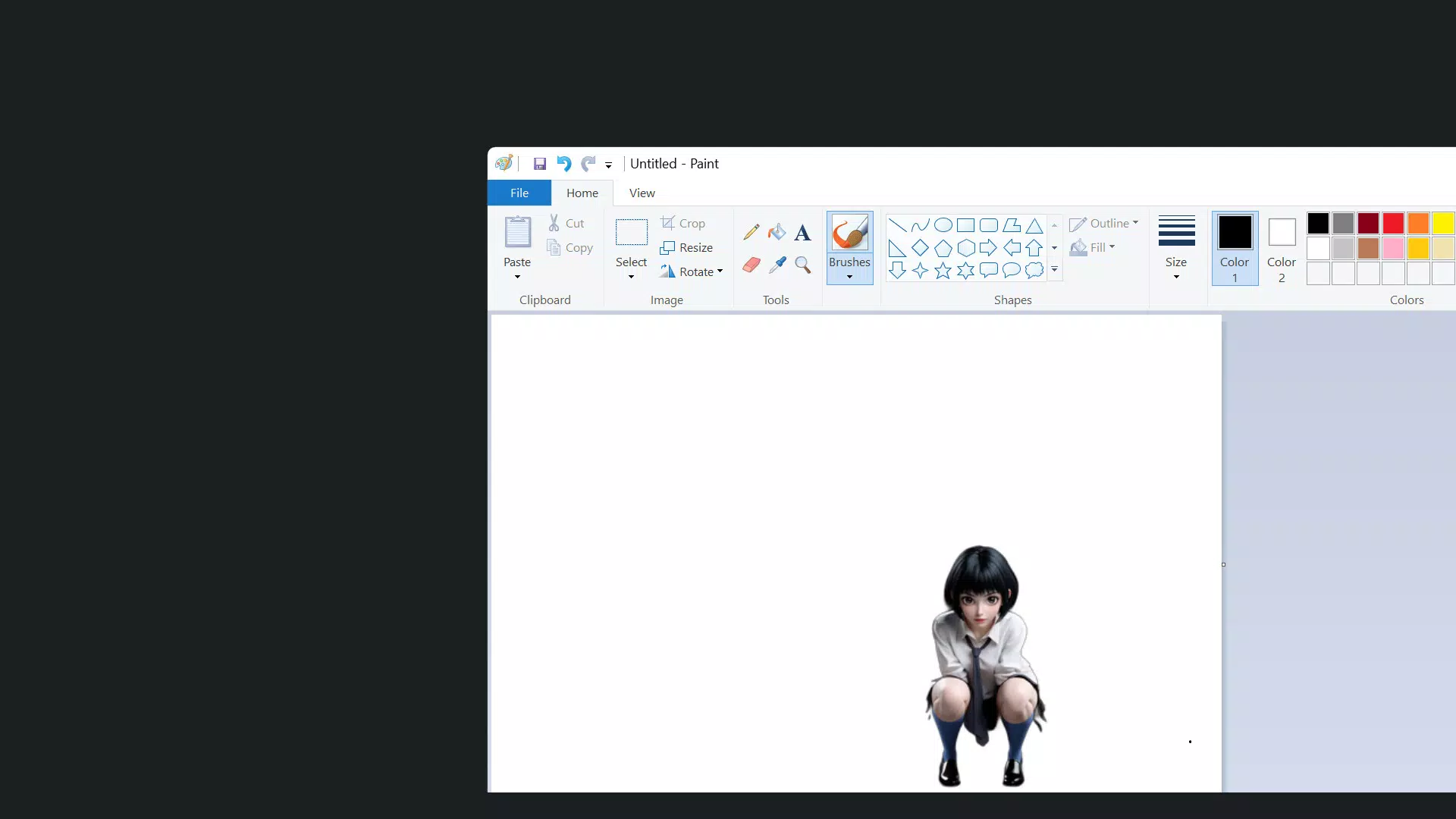
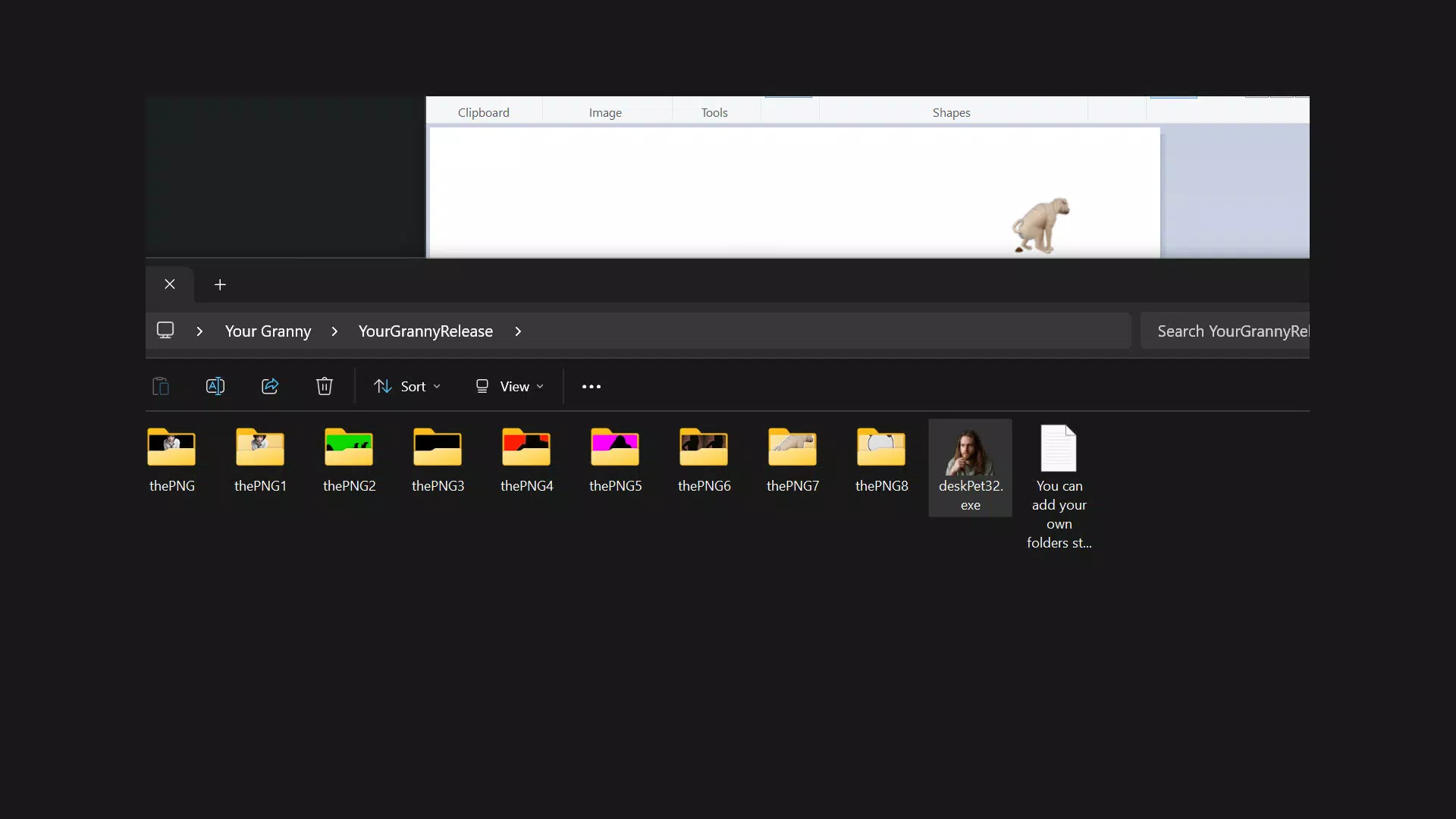
- Gravity Mechanics: The pet is influenced by simulated gravity, enabling it to stick to windows and move naturally when the window is dragged, adding a layer of realism to the interaction.
- Customizable Companionship: The ability to freely add or remove pet models ensures users can tailor their desktop environment to match their mood or aesthetic.
- Fun for Friends: The app allows users to send their chosen pet to friends, enabling shared interactive experiences and strengthening social connections through digital play.
These features combine to create a dynamic and engaging desktop experience. For example, a user might select a cat model and watch it dash across the screen when the mouse moves quickly, or send a playful dog model to a colleague as a lighthearted message. The interactivity fosters a sense of ownership and emotional connection, making the app more than just a visual novelty.
The customization options allow for long-term engagement, as users can rotate pets based on their mood or occasion. The social feature enhances the experience beyond solo use, turning a simple game into a shared digital ritual. Although the developer did not provide detailed technical specifications, the app’s lightweight design suggests it runs efficiently on most modern Windows systems.
Interface, UX & Performance
The user interface of Your Granny is minimalistic and intuitive, focusing on seamless integration into the desktop environment. The app’s design emphasizes visual clarity and immediate responsiveness, with no intrusive menus or complex setup processes. Upon launch, the selected pet appears on the screen and begins interacting with the user’s mouse activity without requiring additional configuration.
Navigation is entirely gesture-based—users interact directly with the pet through mouse movement and clicks, eliminating the need for buttons or on-screen controls. The visual style is cartoonish and vibrant, with smooth animations that contribute to a cheerful and engaging atmosphere. Although the developer did not list formal performance metrics, the app’s 20.4 MB file size suggests it is optimized for low resource consumption.
It is expected to run smoothly on a wide range of Windows devices, including older or lower-end systems. Responsiveness is a key strength, with minimal lag between user input and pet reaction. Stability appears to be well-maintained, as the app does not require frequent restarts or crash recovery.
The developer did not specify compatibility with touchscreens or high-DPI displays, but the app’s reliance on mouse input implies it is primarily designed for traditional desktop use. Overall, the UX is streamlined for immediate enjoyment, making it accessible to users of all technical skill levels.
Platform Compatibility & Technical Requirements
Your Granny is available exclusively for the Windows platform. The current version is 1.0.0, released on April 13, 2025. The application has a file size of 20.4 MB, indicating a lightweight footprint that should not strain system storage or memory.
The developer did not specify minimum OS requirements, nor did they list compatibility with specific Windows versions such as Windows 10, 11, or earlier releases. As such, users should verify system compatibility before installation. No additional software dependencies or hardware requirements were mentioned.
The app is distributed as a free download, making it accessible to a broad audience without financial barriers. While the developer did not disclose whether future updates will be available through official channels or third-party sources, the current version appears to be stable and fully functional. The absence of detailed technical documentation suggests the app is designed for straightforward, plug-and-play use.
Users are encouraged to install the app from trusted sources to ensure a secure experience.
Pros and Cons
- Lightweight and fast-loading with minimal system impact
- Intuitive mouse-based interaction with immediate feedback
- Offers nine customizable pet models for personalization
- Includes a social feature for sharing pets with friends
- Free to download and use with no in-app purchases
- Platform limited to Windows; no mobile or macOS availability confirmed
- Compatibility with older or non-standard Windows versions not specified
- Relies solely on mouse input—no support for touch or stylus
- No advanced customization options beyond pet selection
- Developer did not provide update history or future roadmap
FAQ
Is Your Granny safe to download and install?
Yes, the app is free and available for download. It is recommended to install from official or trusted sources to ensure a secure experience, as no third-party distribution details were provided.
Can I use Your Granny on older versions of Windows?
The developer did not specify minimum OS requirements. While the app is designed for Windows, compatibility with older versions such as Windows 7 or 8 is not confirmed.
Does Your Granny require an internet connection?
Based on the available information, the app functions offline. No online features or data collection were mentioned, suggesting it operates independently of internet access.
Can I customize the appearance of the pets beyond the nine models?
Currently, users can only choose from the nine pre-made pet models. The ability to create or upload custom pets was not listed in the provided features.
How often is Your Granny updated?
The developer did not disclose update frequency or release schedule. The current version is 1.0.0, but no information was provided about future improvements or patches.
Final Thoughts + CTA
Your Granny stands out as a charming and thoughtfully designed desktop companion that transforms routine computer use into a more engaging and enjoyable experience. With its responsive mouse interaction, variety of adorable pet models, and social sharing feature, it successfully blends entertainment with personalization. The app’s lightweight nature and free availability make it accessible to a wide audience, particularly students, remote workers, and casual users seeking a break from digital monotony.
While it lacks advanced customization and is limited to the Windows platform, its simplicity is its greatest strength. The focus on immediate interaction and emotional connection sets it apart from typical utility apps. For anyone looking to add a touch of fun to their desktop, Your Granny delivers a delightful, low-effort experience.
Download Your Granny now and bring a playful companion to your screen.


